πŸ”
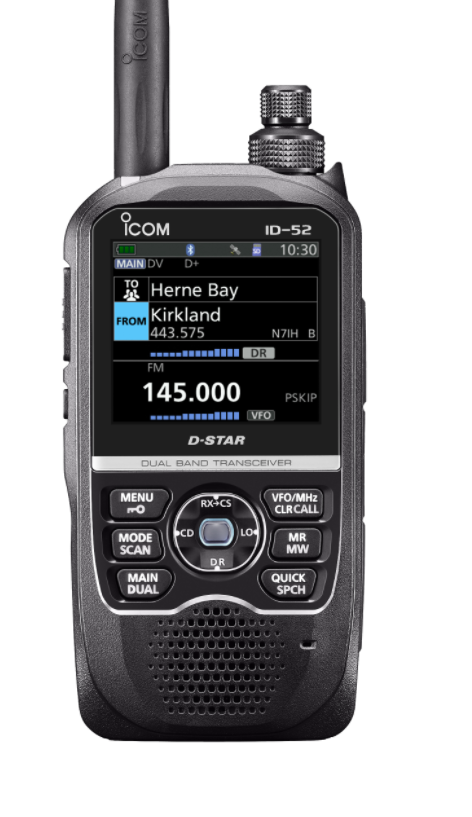
What is D-Star?
What is D-Star?
What is D-STAR?D-STAR (Digital Smart Technologies for Amateur Radio) was developed by the Japan Amateur Radio League (JARL) in the late 1990s. It uses digital voice encoding for clearer communication …

What is D-STAR?

D-STAR (Digital Smart Technologies for Amateur Radio) was developed by the Japan Amateur Radio League (JARL) in the late 1990s. It uses digital voice encoding for clearer communication compared to analog FM.

Radio Formats

D-STAR is available in handheld, mobile, and base station formats from several manufacturers including Icom, Kenwood, and Yaesu.

Data Capabilities

D-STAR supports data transmission, text messaging, and GPS position reporting in addition to digital voice.

Getting Started

  1. Get a D-STAR compatible radio.
  2. Configure the frequency, mode, and code settings.
  3. Connect to a local D-STAR repeater.
  4. Make calls and disconnect when finished.

No Repeater Nearby?

If you don't have a D-STAR repeater in range, you can use a digital hotspot like the Zumspot. These devices connect to the internet and allow you to access the D-STAR network from home.

A Zumspot is a small device that runs a D-STAR reflector client. It creates a personal digital repeater that connects to the internet, allowing you to communicate with other D-STAR users worldwide without needing a physical repeater.
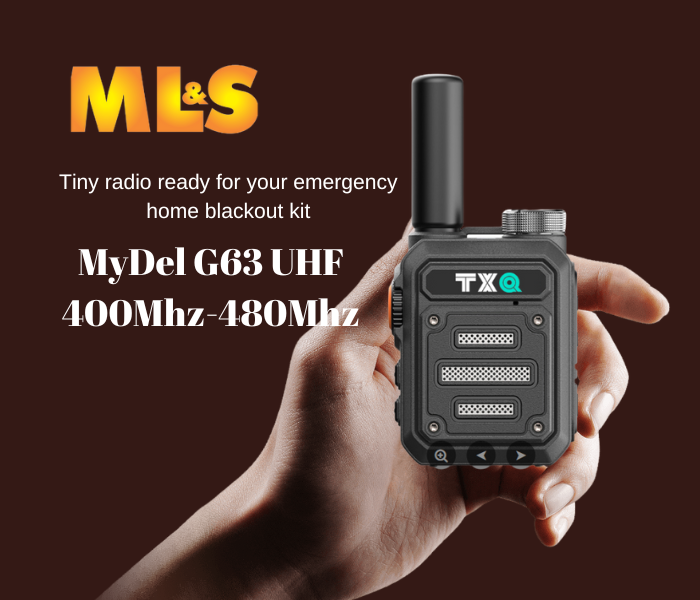
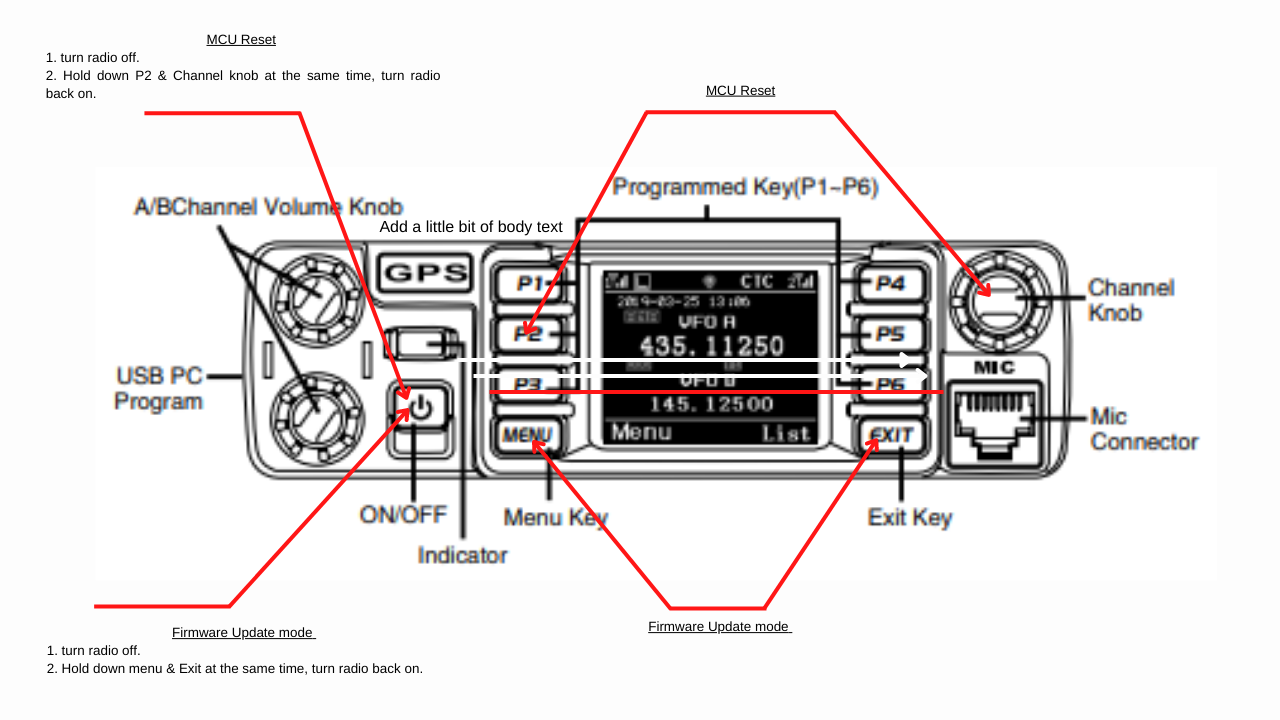
TXQ (MyDel G63) UHF Mini Walkie Talkie. 400Mhz-480Mhz: Is it any good and who is it for?
The TXQ (branded as MyDel G63) is a tiny UHF radio that is great for a basic home prepper kit. It is simple and easy to program.Key PointsProgrammable for UK PMR frequencies (though not strictly compl…

The TXQ (branded as MyDel G63) is a tiny UHF radio that is great for a basic home prepper kit. It is simple and easy to program.

Key Points

  • Programmable for UK PMR frequencies (though not strictly compliant for licence-free use)
  • Priced at Β£49.99 from hamradio.co.uk
  • Charges via USB power bank β€” ideal for emergency situations
  • Good emergency radio for family contact when phone signal is down

This radio is perfect for anyone looking for a simple, affordable backup communication device.


AnyTone D578UVIIIPlus Boot Looping? Wont turn off? Firmware loader wont start?
If your AnyTone D578VII won't turn off or is boot looping when DC power is applied, you need to upgrade the firmware to V2.04A.Download the toolkit at: https://bit.ly/3tUUW4hAlways check downloaded fi…

If your AnyTone D578VII won't turn off or is boot looping when DC power is applied, you need to upgrade the firmware to V2.04A.

Download the toolkit at: https://bit.ly/3tUUW4h

Always check downloaded files for viruses before running them.


Yaesu FT-710AESS, where does it fit and whats the price?
The FT-710 doesn't really need to "fit" in the range β€” component shortages are forcing manufacturers to rethink their lineups. The FT-710 uses the same FT-991A chassis and the same key elements as the…

The FT-710 doesn't really need to "fit" in the range β€” component shortages are forcing manufacturers to rethink their lineups. The FT-710 uses the same FT-991A chassis and the same key elements as the FT-DX-10 receiver, probably with some component substitutions.

It's good to see Yaesu pushing out new radios yearly.

Why buy over the DX-10?

  • Cheaper
  • Smaller
  • Newer technology

Price?

No idea β€” dealers don't know either. Watch this space.


Yaesu FT-710 AESS
Yaesu FT-710 AESS
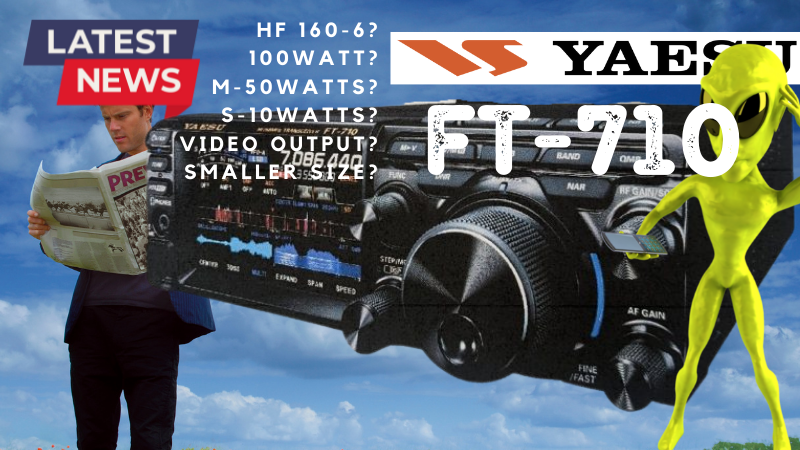
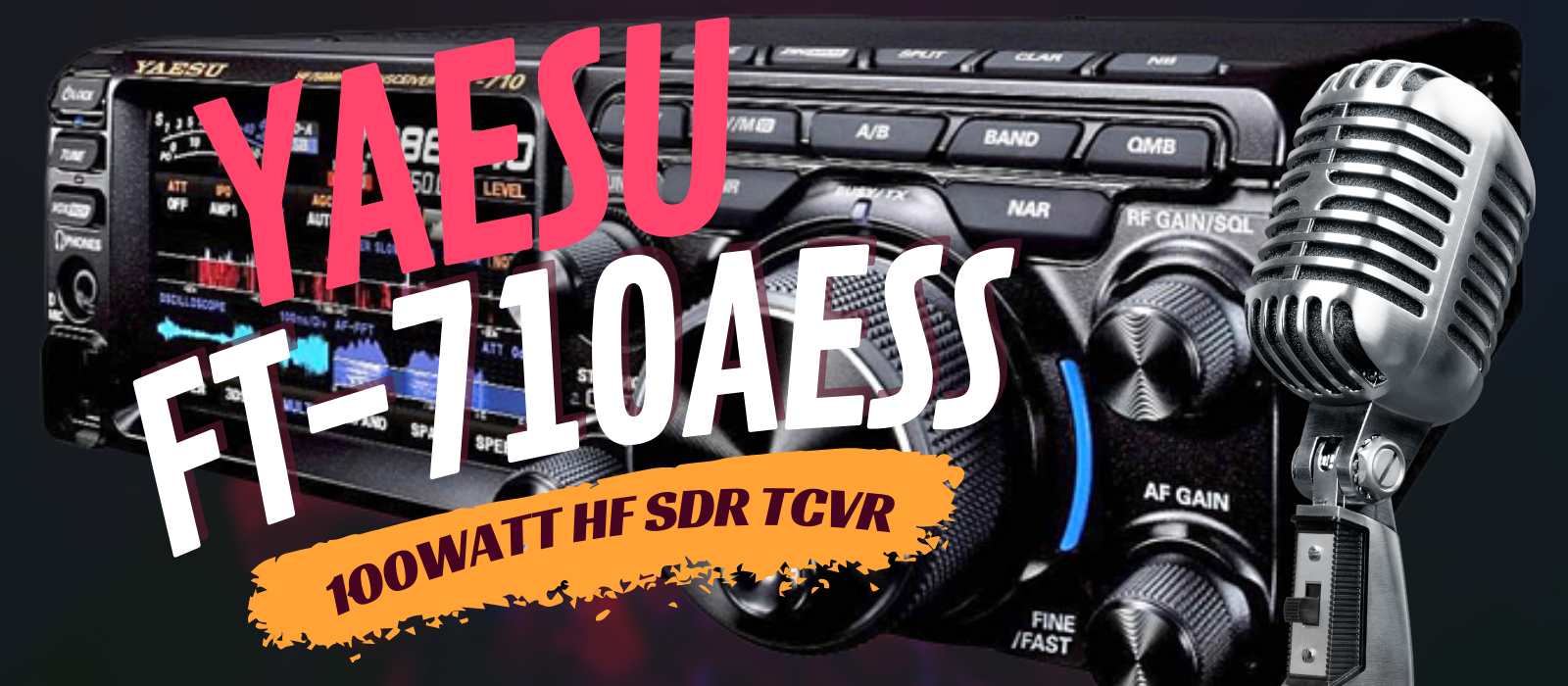
Yaesu has confirmed a new radio transceiver β€” the FT-710 AESS. It is an SDR with an amazing receiver like the FT-DX-10.Join the Facebook group for the latest news and updates.Place a deposit to order …

Yaesu has confirmed a new radio transceiver β€” the FT-710 AESS. It is an SDR with an amazing receiver like the FT-DX-10.

Join the Facebook group for the latest news and updates.

Place a deposit to order at: https://bit.ly/3NQpBrc


DVMega Stick-30 - CombiTronics
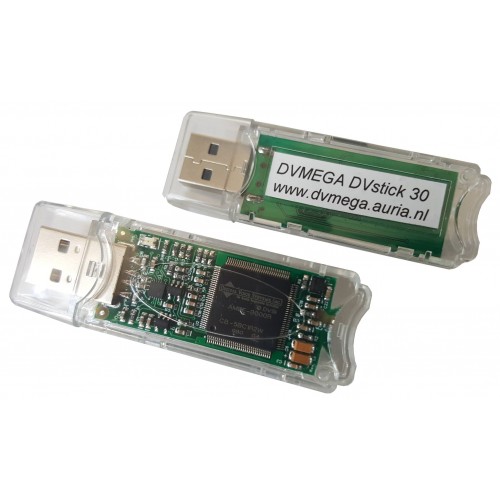
The DV-Stick 30 was originally the NW-Digital ThumbDV. Combitronics and DV-Mega have joined forces to produce this device.It is popular among those who cannot install antennas β€” such as people in resi…

The DV-Stick 30 was originally the NW-Digital ThumbDV. Combitronics and DV-Mega have joined forces to produce this device.

It is popular among those who cannot install antennas β€” such as people in residential properties, hospital patients, and travellers.

Software from David PA7LIM (BlueDV) is available for all operating systems.

Driver Links

Setup instructions are available as a PDF. Purchase from Martin Lynch & Sons (ML&S).


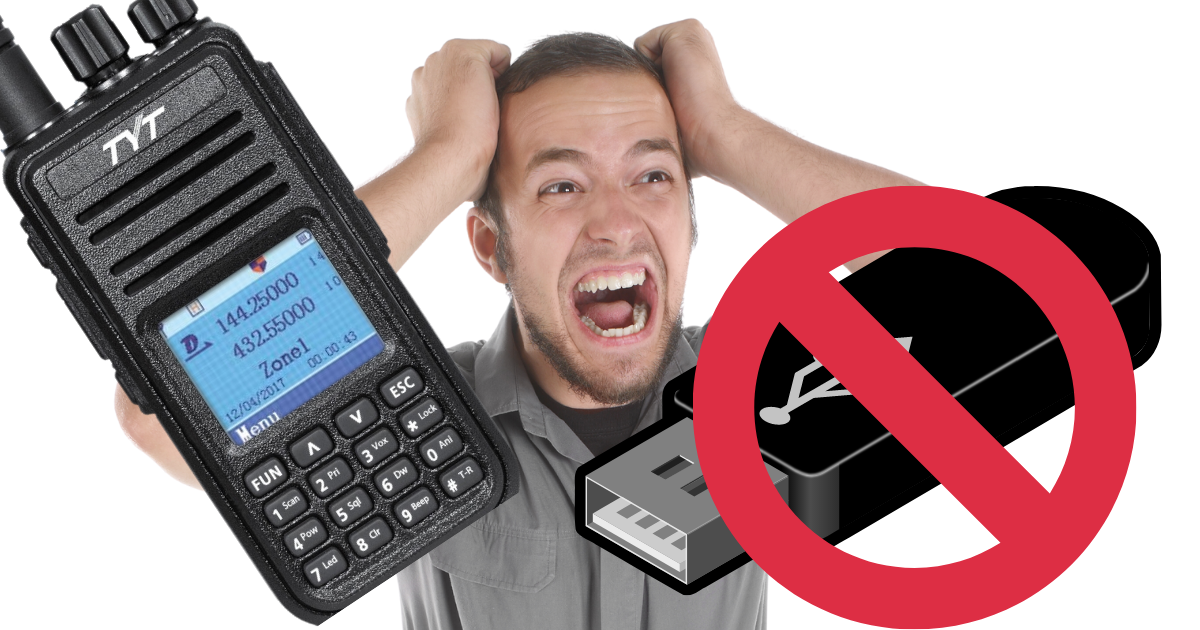
TYT-UV 380 USB Driver Problems. **UPDATED May 23**
TYT UV380 USB Driver Problems: Getting Windows to See the Radio If Windows refuses to talk to your TYT UV380, you're not alone. The drivers on the TYT website are a mixed bag, and the one you actually…

TYT UV380 USB Driver Problems: Getting Windows to See the Radio

If Windows refuses to talk to your TYT UV380, you're not alone. The drivers on the TYT website are a mixed bag, and the one you actually need is designed for an STMicroelectronics STM device. For some reason Windows really doesn't like it with the UV380. Here's what I'd try, and how to get the radio reading in TYT CPS.

Where to find the driver

I found what I think is a workable version here: STMicroelectronics STM device driver on Treexy. I haven't tried it myself, so please treat it with caution. As always, use extreme due diligence when you open anything you've downloaded from the web.

Once it's downloaded, scan it for viruses in the usual way before you do anything else.

How to install it

  1. Unzip the driver into a folder on your desktop. It won't run from your Downloads folder, so move it out first.
  2. Right-click sttube.inf and select Install.
  3. Restart your PC without the radio connected.
  4. Plug the radio in.
  5. Open TYT CPS and read the radio.

Windows 11 note

On Windows 11 the Install option is hidden in the first right-click menu. Click Show more options and you'll find it there. And remember, it won't run from the Downloads folder, so move the files first.

If it still doesn't work

  • Open Device Manager with the radio plugged in and see how it shows up. If it's listed as an unknown device or an STM device with a warning mark, the driver hasn't installed properly.
  • Try a different USB cable and a different USB port, preferably one directly on the PC rather than a hub.
  • Make sure the radio is switched on and the cable is pushed fully home before you click Read in CPS.
  • Unplug the radio, restart the PC and repeat the install from the start.

Let me know if it worked for you! If you find a better source for the driver, tell me and I'll add it here.


Kerberos SDR with SDR-Console V3
What is KerberosSDR?KerberosSDR is a 4x RTL-SDR R820T2 coherent receiver with a built-in noise source, USB hub, calibration board, and shielded enclosure. It reached end of life in 2022 but remains po…

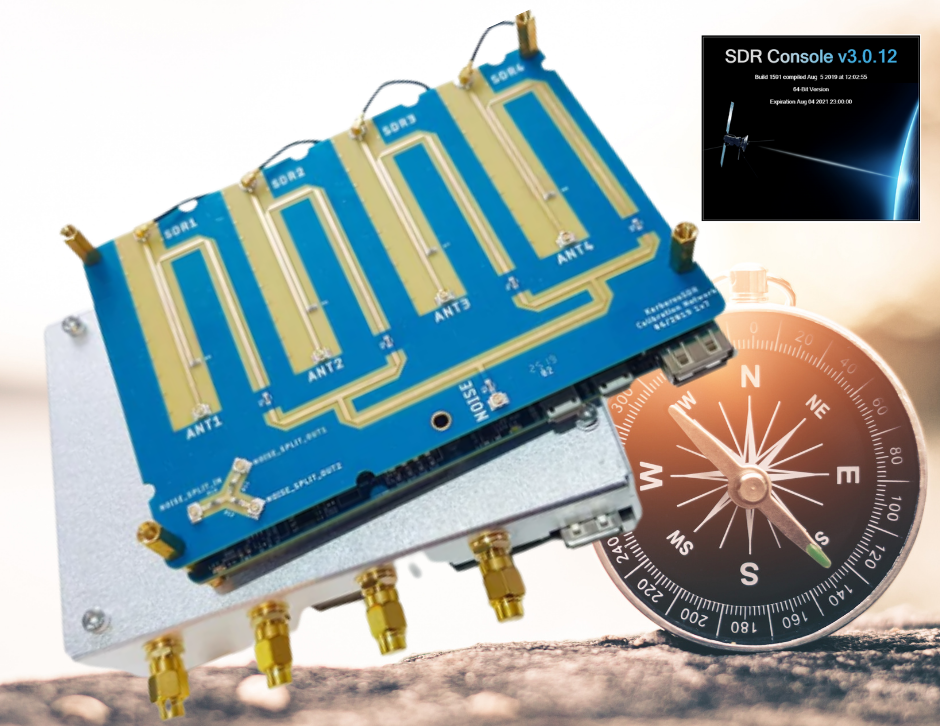
What is KerberosSDR?

KerberosSDR is a 4x RTL-SDR R820T2 coherent receiver with a built-in noise source, USB hub, calibration board, and shielded enclosure. It reached end of life in 2022 but remains popular.

Uses

  • Radio direction finding
  • Passive radar
  • Fox hunts
  • Search and rescue beacon location
  • Radio astronomy
  • Trunking system monitoring
  • ADS-B reception
  • Weather satellite decoding

Software

Use SDR-Console from Simon Brown, or SDR# for noise reduction capabilities.

Driver Fixes

Use Zadig to fix driver issues with the RTL-SDR devices.

Successor

KrakenSDR is the replacement but is more expensive.


Icom 52 vs Yaesu FT5
Build QualityThe Icom ID-52 feels bigger and has superior build quality. The FT5 has a rougher feel in comparison.User InterfaceIcom has a slicker, more intuitive UI. Yaesu's interface is clunkier and…

Build Quality

The Icom ID-52 feels bigger and has superior build quality. The FT5 has a rougher feel in comparison.

User Interface

Icom has a slicker, more intuitive UI. Yaesu's interface is clunkier and less polished.

Firmware Updates

Icom uses SD cards for firmware updates. Yaesu requires software β€” Windows only, no Linux or Mac support.

Programming

Both are easy to program. Yaesu's software is simpler whereas Icom's CS-52 is more complex. Neither manufacturer offers Linux software.

Digital Modes

Icom uses D-Star. Yaesu uses C4FM (System Fusion).

Conclusion

Your choice depends on your location (repeater coverage in your area), brand loyalty, and ideally trying both before you buy.


Icom ID52 ICF File for Hotspots
Programming file for the Icom ID52 to work with hotspots.TX on 434.000 MHz.Download at: https://bit.ly/3jxTsrs

Programming file for the Icom ID52 to work with hotspots.

TX on 434.000 MHz.

Download at: https://bit.ly/3jxTsrs

This site shows ads served by Google AdSense. Privacy Policy Β· About Β· Contact