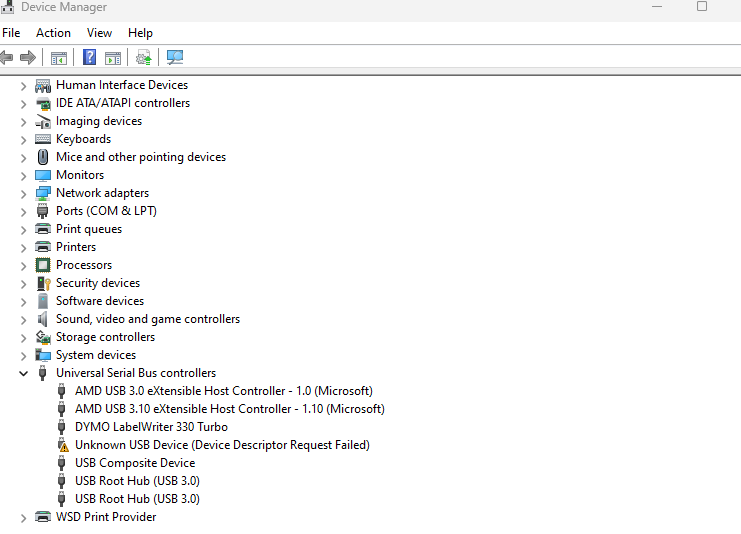
Yaesu FT5 Unknown USB Device (Device descriptor Request Failed)
20 November 2024
I have seen a few people getting the dreaded Unknown USB Device (Device descriptor Request Failed) error when connecting their Yaesu FT5 to their PC. I should start by saying the supplied USB cable (YAESU SBR-36-MU) is for FIRMWARE updates ONLY. You will still need the SCU-57 for programming the radio. The PL2303 driver is also for the SCU-57. If you want to program the radio without the SCU-57 you will need to use an SD card.
Firmware update steps:
- Remove the battery from the radio.
- Move the switch on the back of the radio to the "Update" position.
- Plug the USB cable into the radio and your PC.
- Install the drivers (they are on the Yaesu website).
- Connect the power to the radio.
- When you are in the firmware update mode you will see the update screen, open the firmware update software. You can ignore COM port and Baud rate settings — just run UPDATE.
- Wait. The software will look like it is not doing anything at first but it is. Wait a good couple of minutes and you will see it start to update.
- When it is done, you're finished.
The manual is as unhelpful as ever, but hopefully these steps help you get your FT5 updated. Good luck!